How to Choose an Intrinsically Safe Tablet
A conventional tablet can produce electrical or thermal energy through its battery, display, charging circuit, wireless radios and internal components. In an environment containing flammable gases, vapors or combustible dust, that energy may create an ignition hazard.
Tablets intended for classified locations are engineered or enclosed and tested for clearly defined operating conditions. Terms such as “rugged,” “industrial,” “waterproof” and “MIL-STD tested” do not mean that a tablet is approved for use in an explosive atmosphere.
When comparing hazardous-area tablets, consider:
- Area classification: Determine whether the application requires a Class I Division 1 tablet, Class I Division 2 tablet, or an ATEX/IECEx-certified solution.
- Device design: Choose between a purpose-built hazardous-area tablet and a certified enclosure made for a specific consumer tablet.
- Operating system: Confirm whether the required applications use Android, Windows or iPadOS.
- Screen and form factor: Consider display size, device weight, glove operation, stylus support and hands-free requirements.
- Connectivity: Review Wi-Fi, Bluetooth, NFC, GPS, 4G/5G and cellular-carrier compatibility.
- Business applications: Confirm compatibility with inspection, maintenance, inventory, SCADA, ERP, CMMS, communication and document-management software.
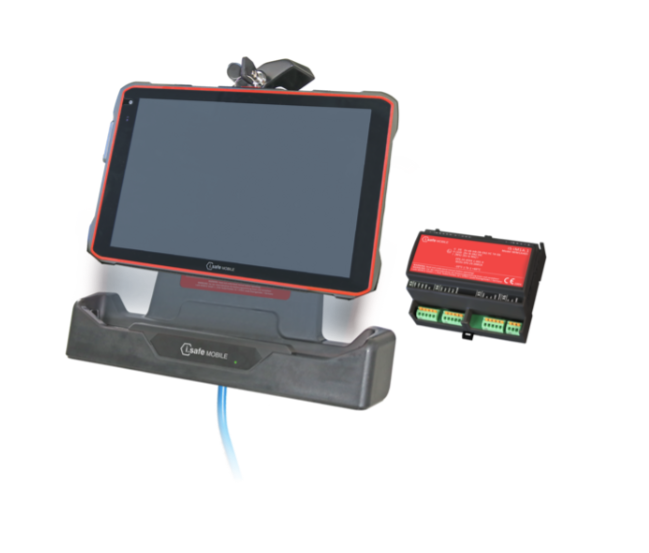
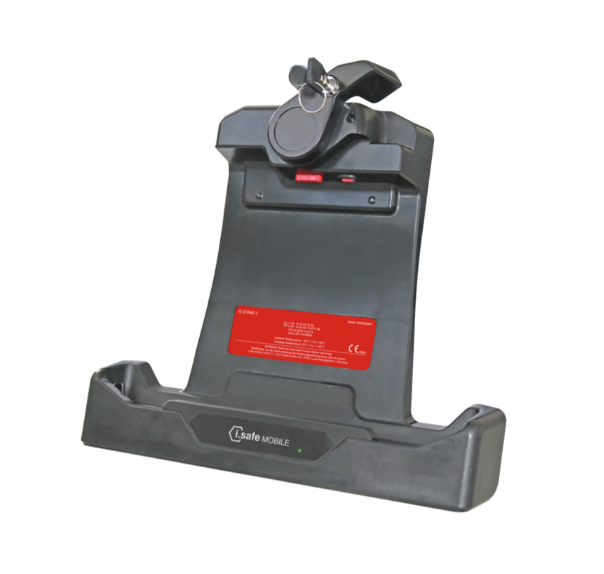
- Accessories: Verify the availability and approval of docking stations, chargers, keyboards, cases, hand straps, barcode scanners and vehicle mounts.
- Device lifecycle: Consider operating-system support, security updates, replacement batteries, warranties and long-term product availability.
Types of Tablets for Hazardous Areas
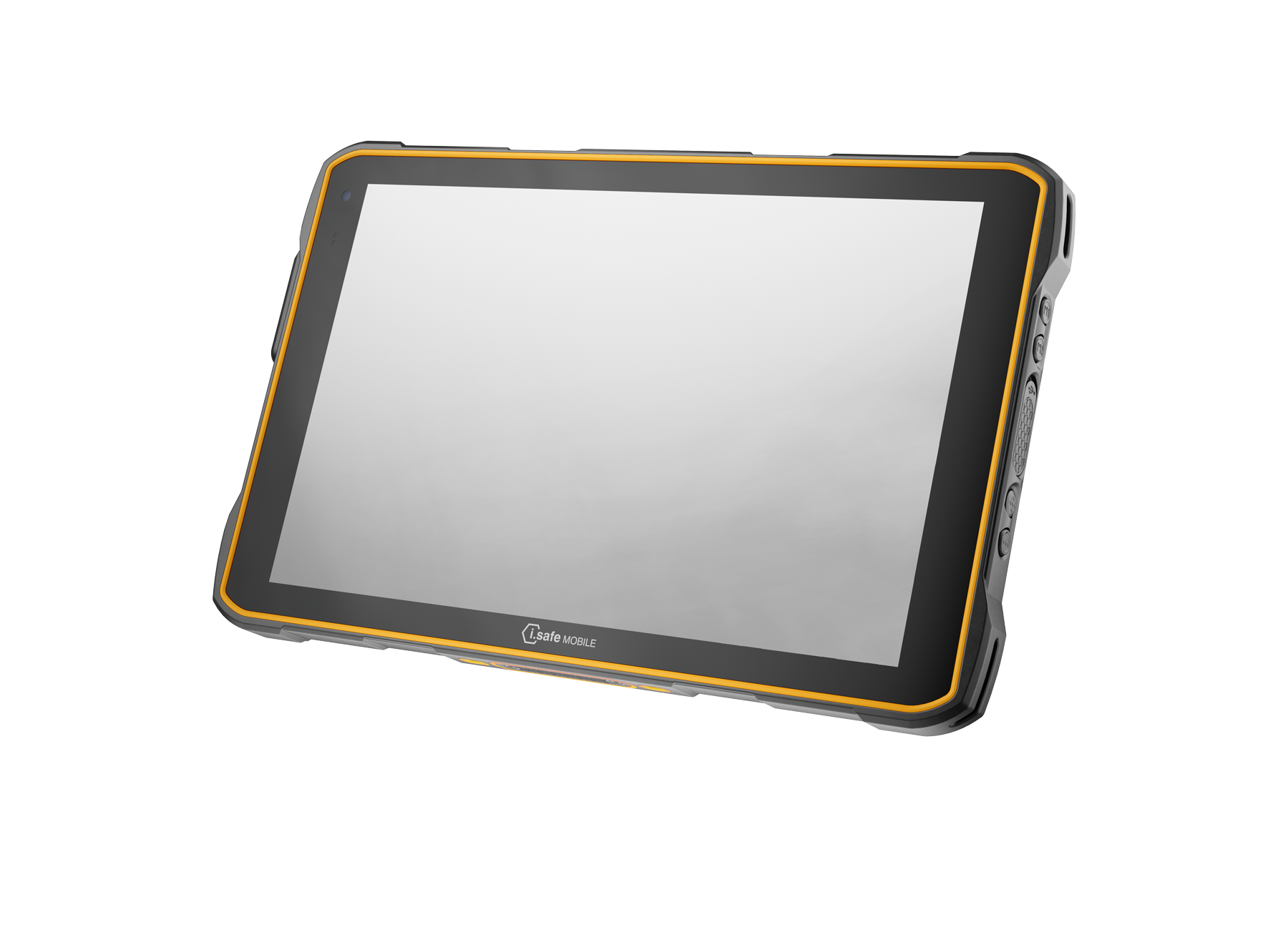
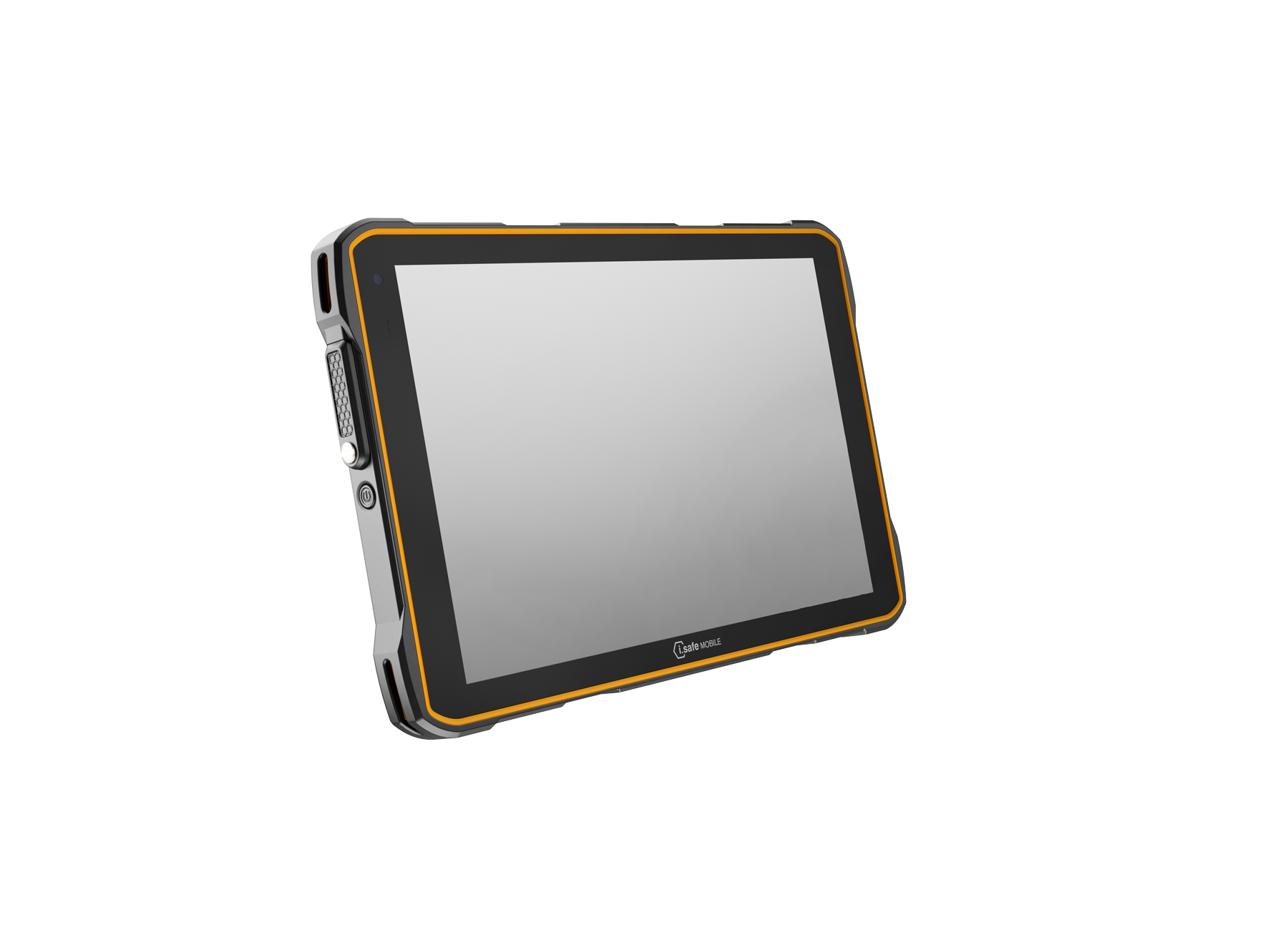
Purpose-Built Intrinsically Safe Tablets
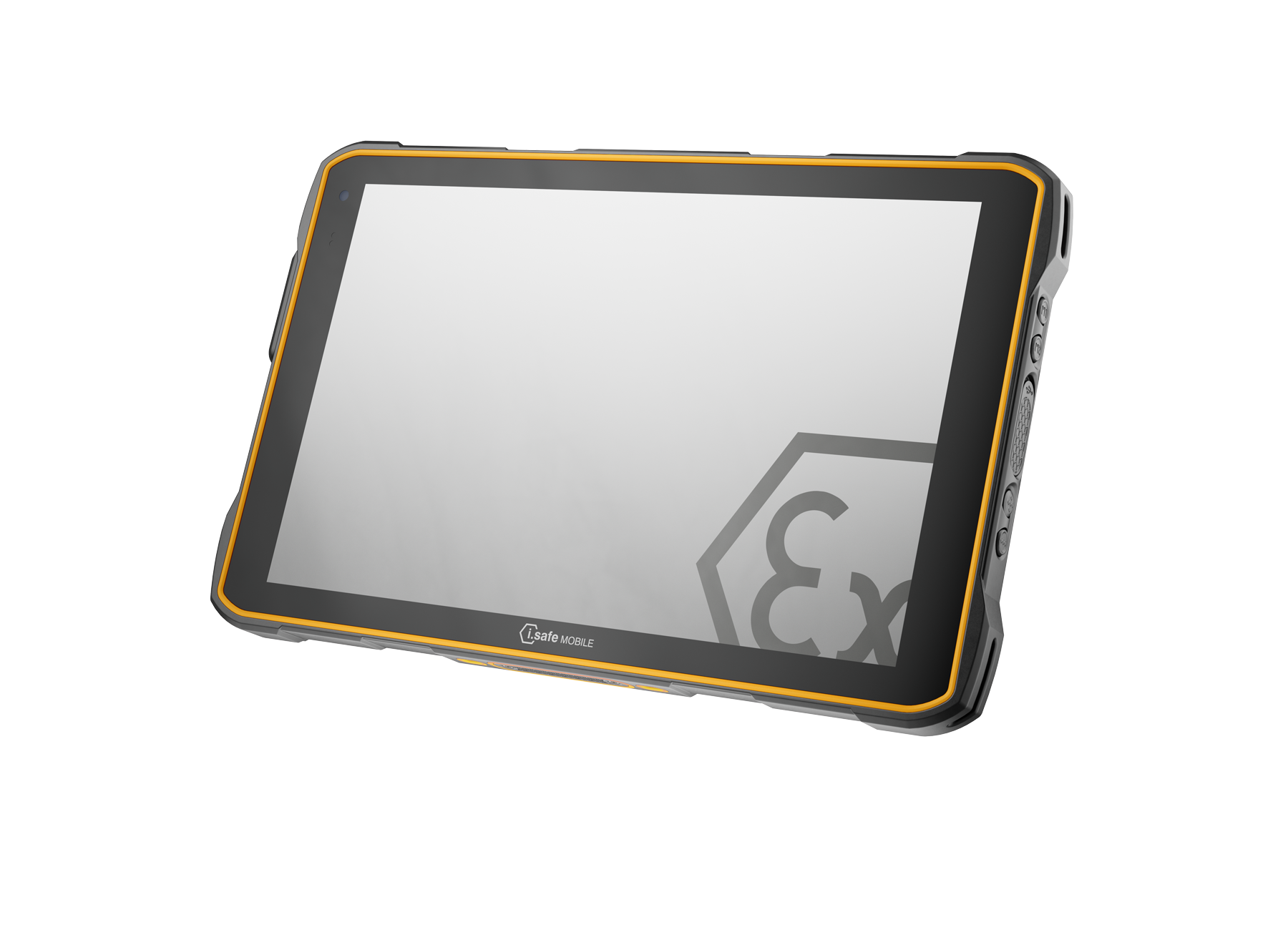
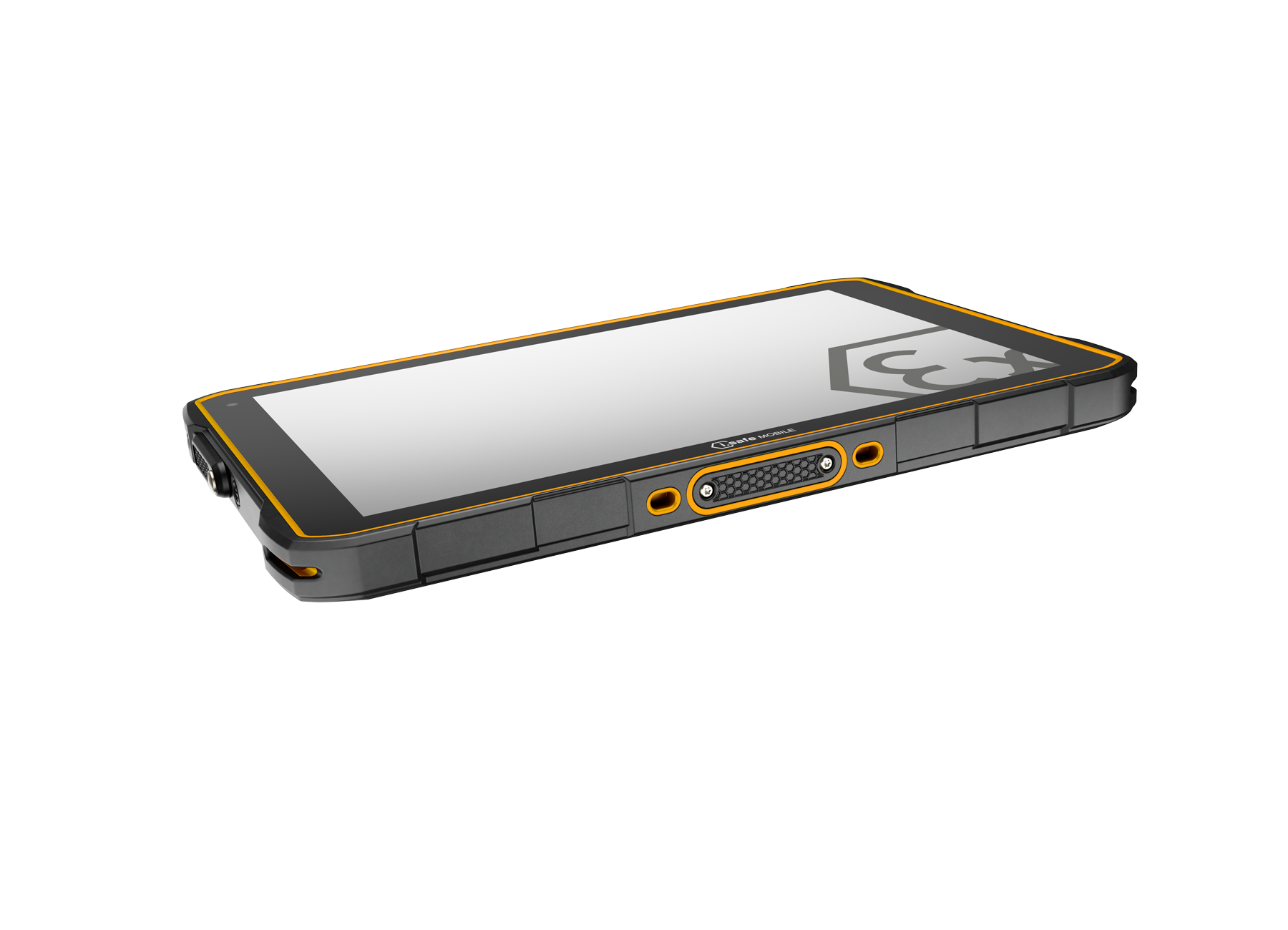
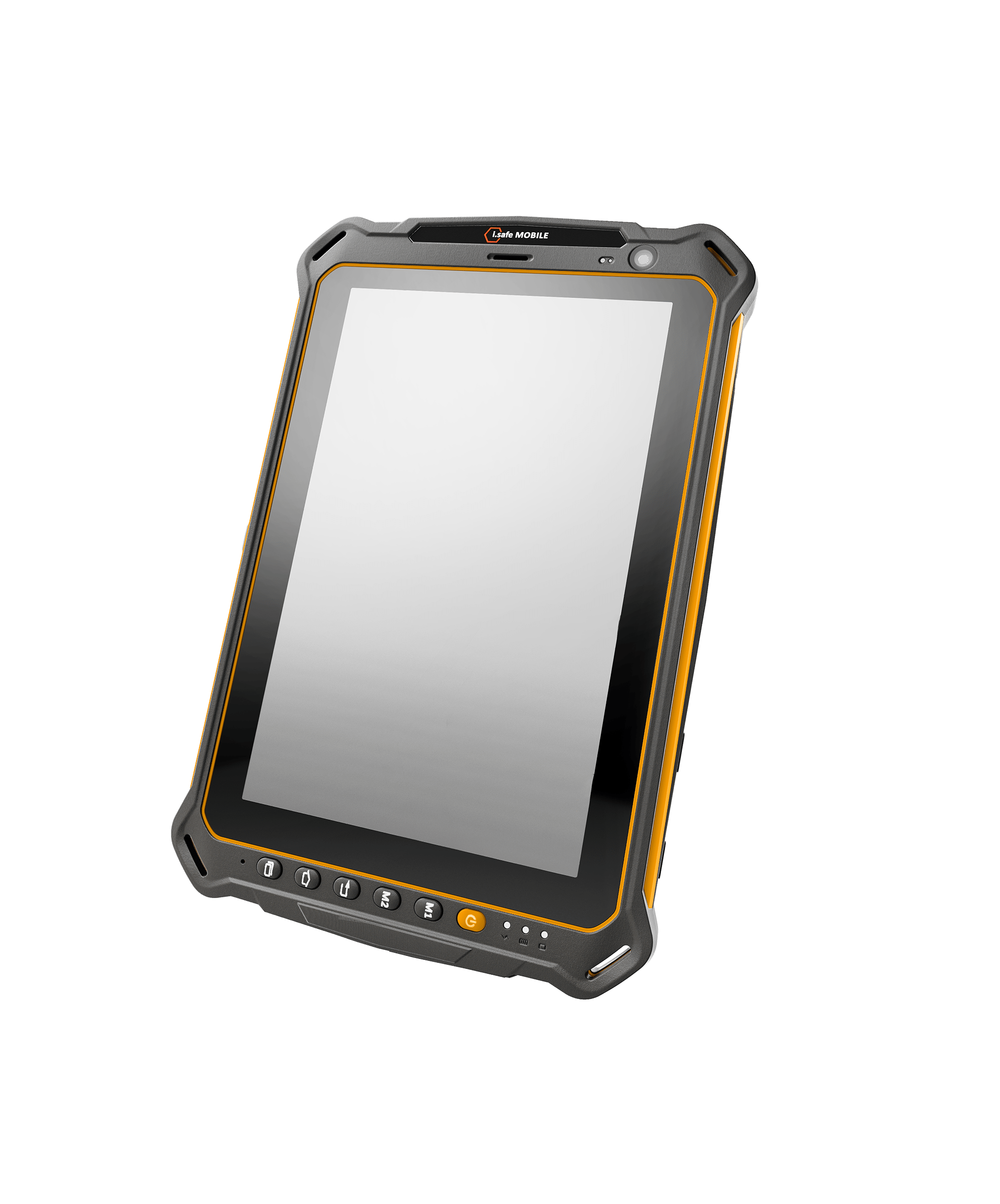
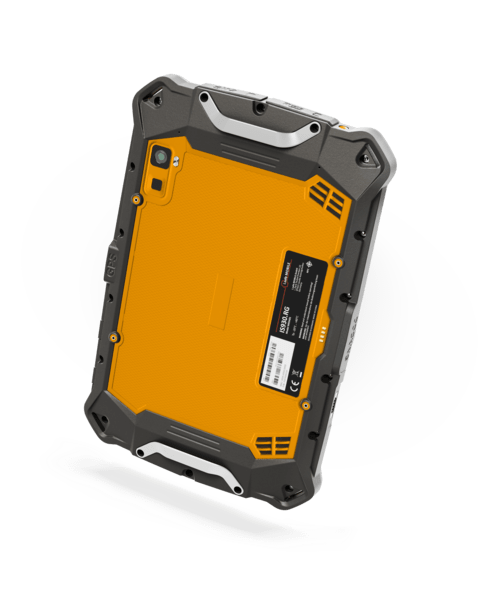
Purpose-built intrinsically safe tablets incorporate energy-limiting circuitry, protected batteries and other design measures required by their certification. Available configurations may include Android or Windows operating systems, cellular connectivity, integrated cameras, barcode accessories and enterprise device-management support.
These tablets are commonly used in classified locations where conventional consumer devices are not permitted. The exact certificate determines where each model can operate.
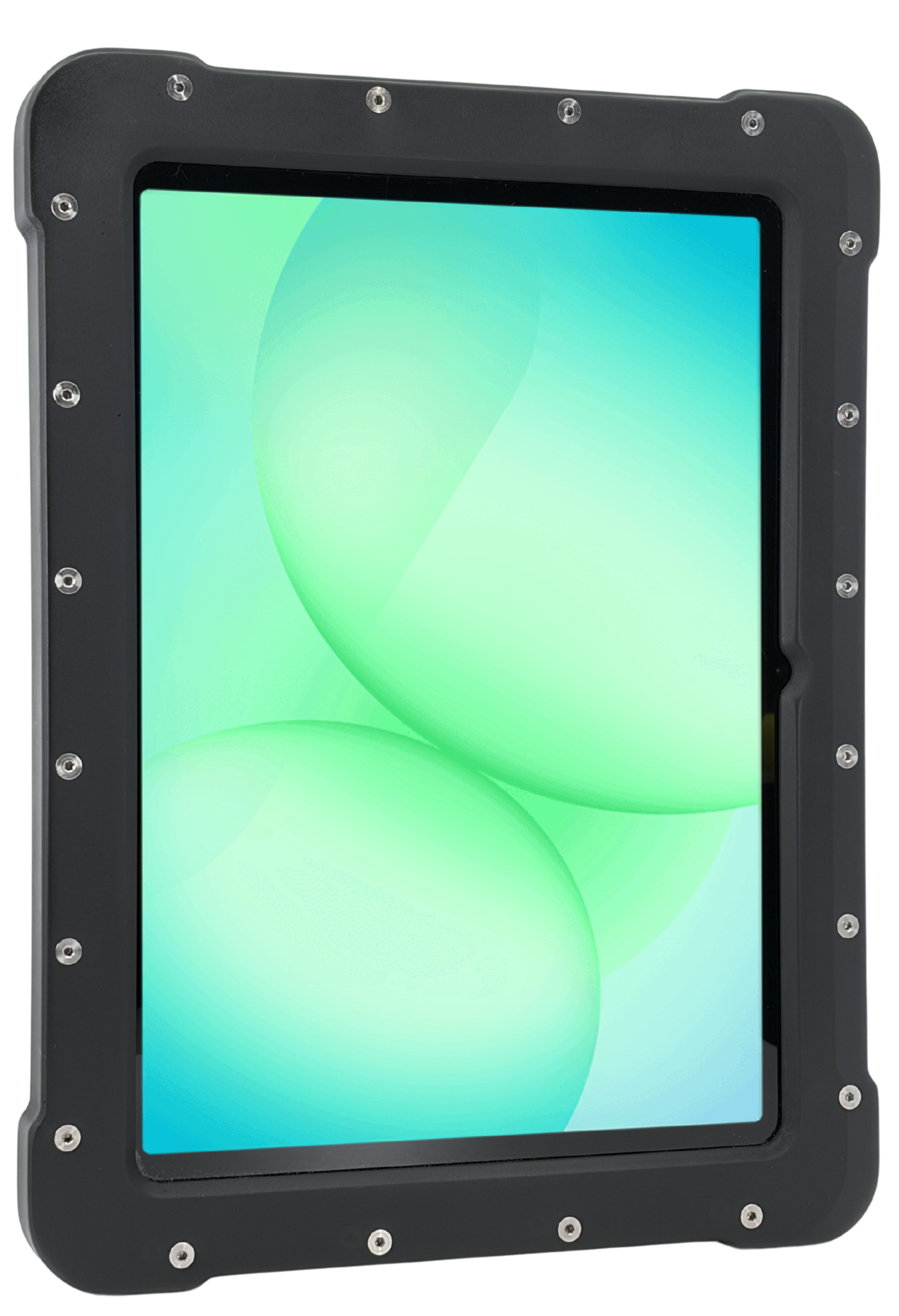
Certified Tablet Enclosures
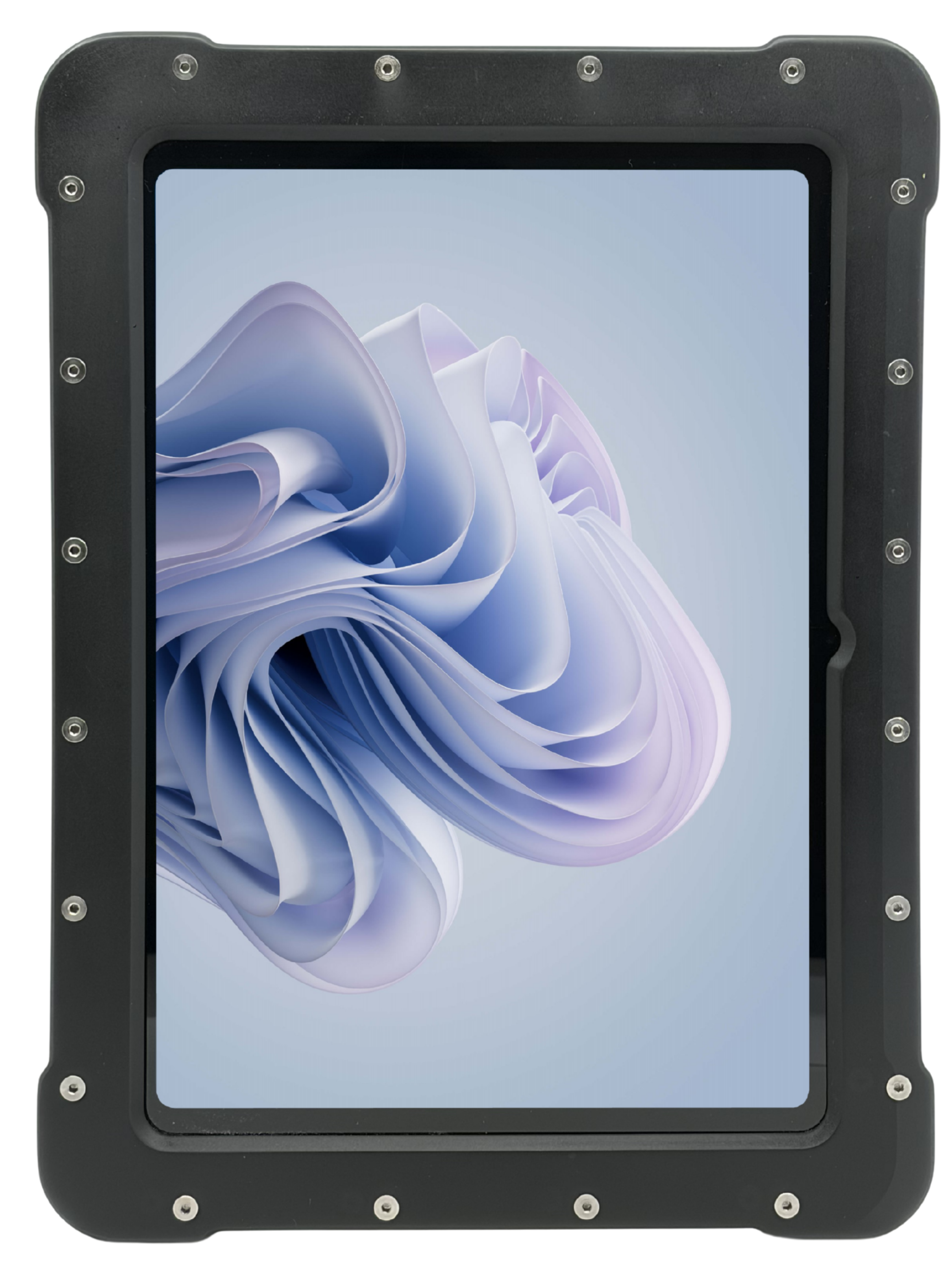
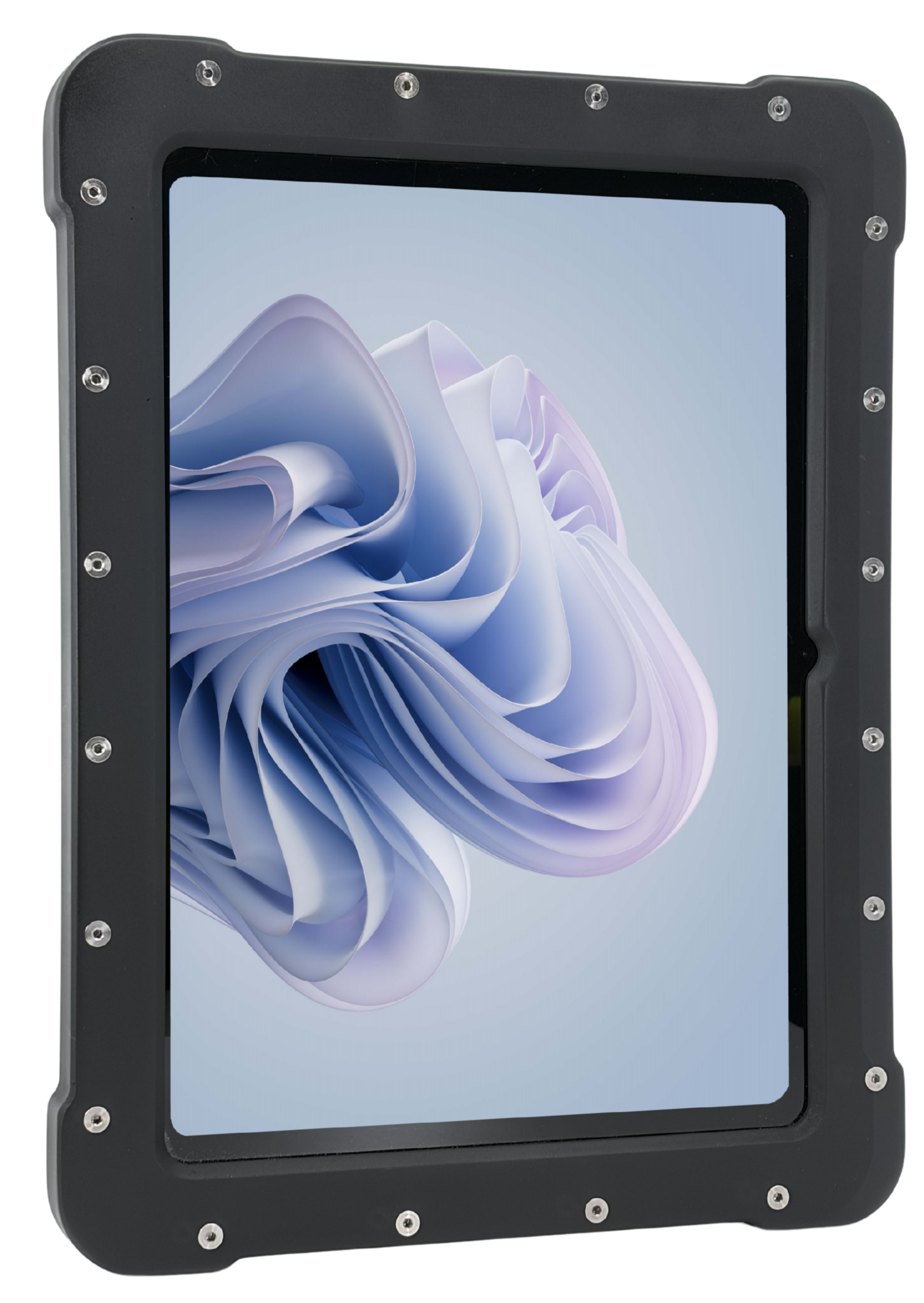
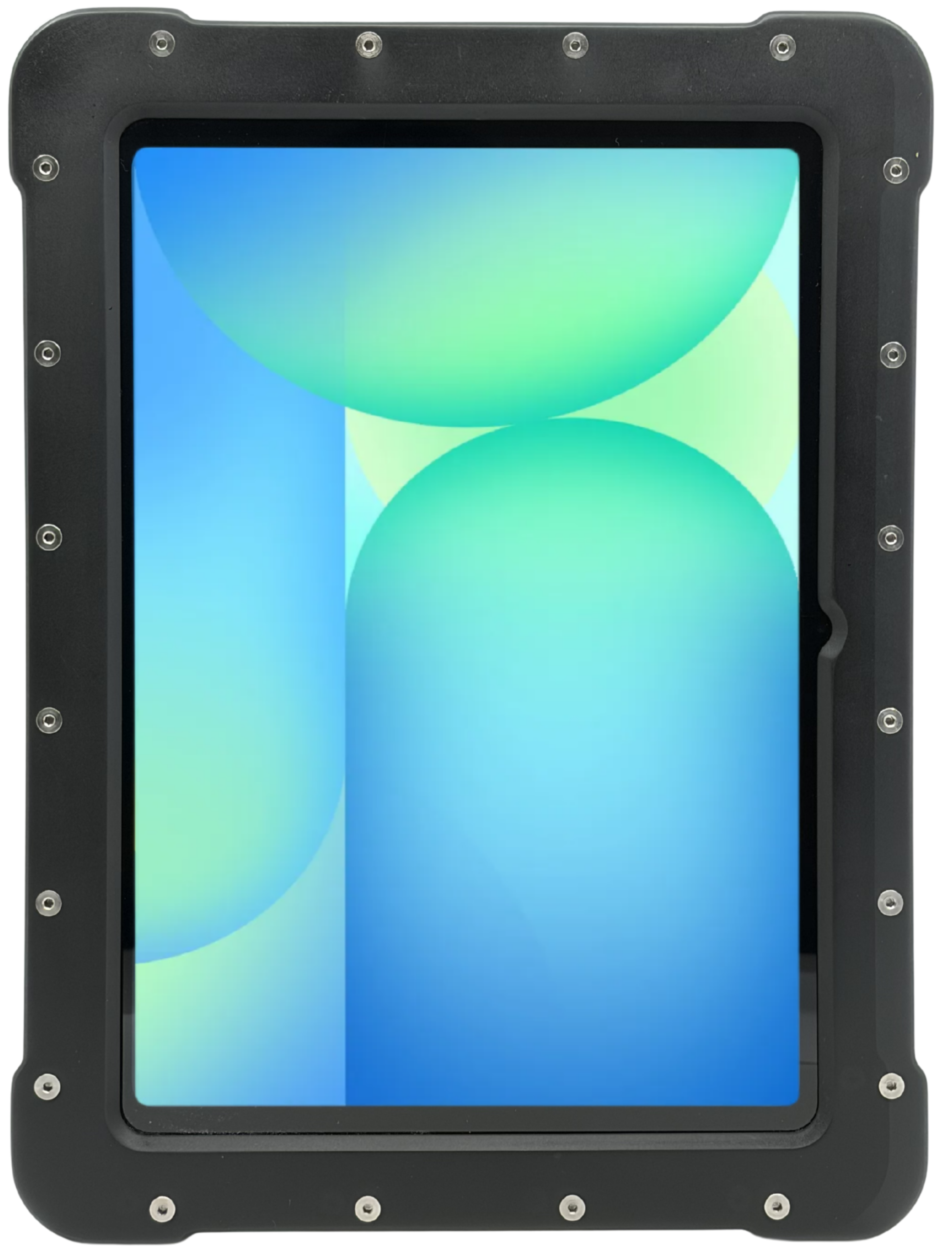
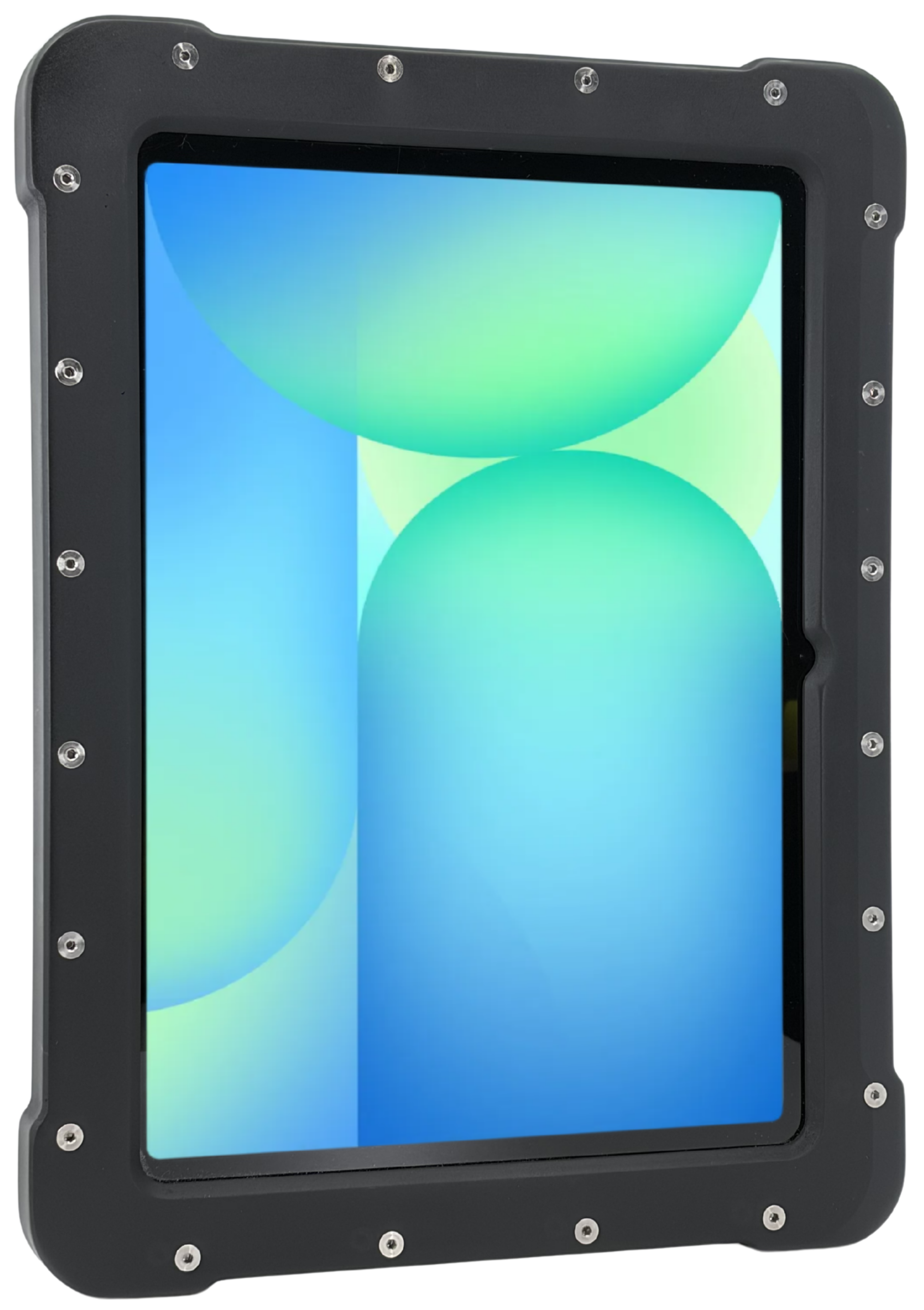
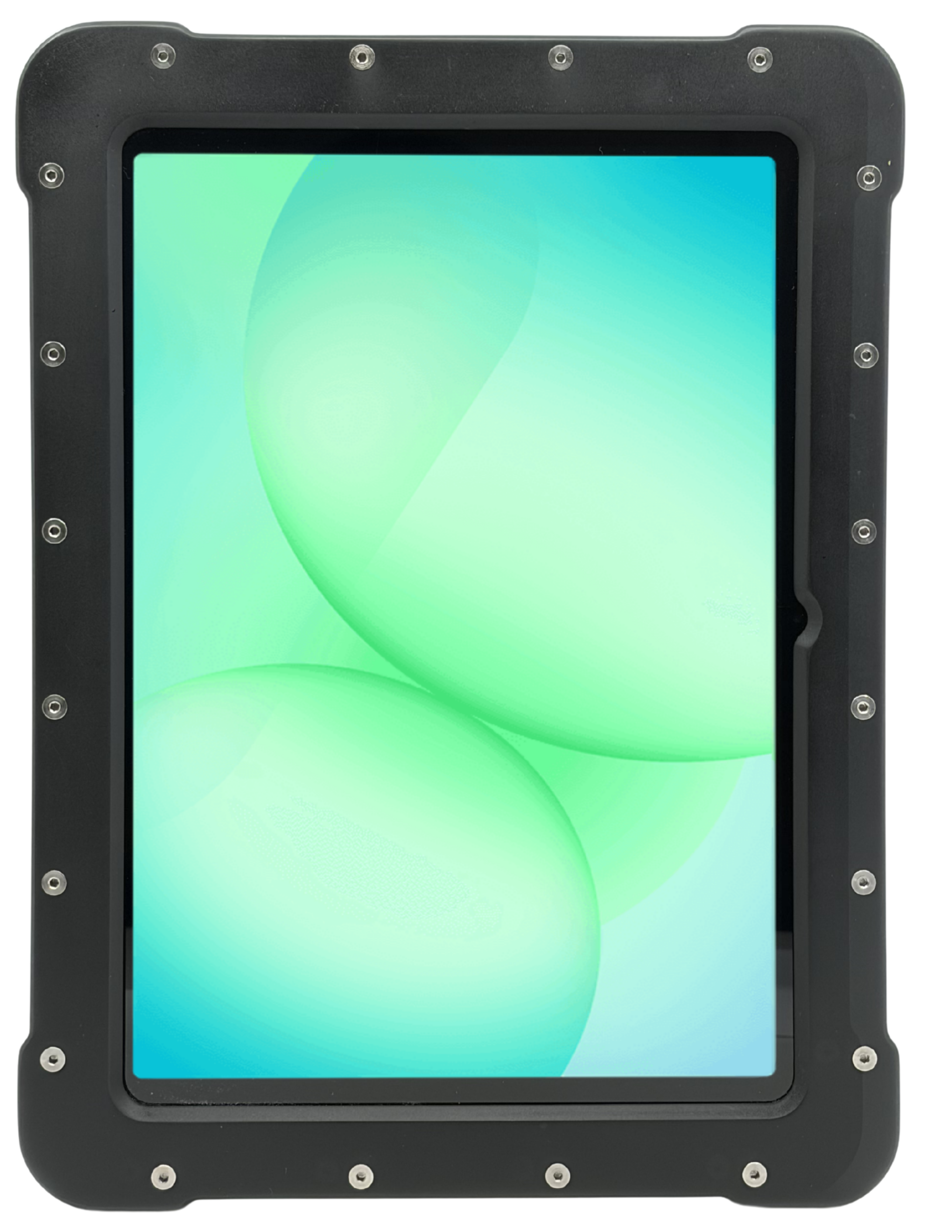
A certified enclosure can allow a specific iPad, Samsung Galaxy Tab or Microsoft Surface model to be used in the hazardous locations covered by the enclosure’s approval. The certification applies to the complete approved configuration—not to the consumer tablet by itself.
Before selecting an enclosure, verify:
- Exact tablet manufacturer, model and generation
- Permitted battery and charging configuration
- Accessible buttons, ports and cameras
- Touchscreen and glove performance
- Class, Division or Zone approval
- Gas or dust group
- Temperature class
- Ambient operating-temperature range
Installing a different tablet model or using an unapproved accessory may invalidate the approved configuration.
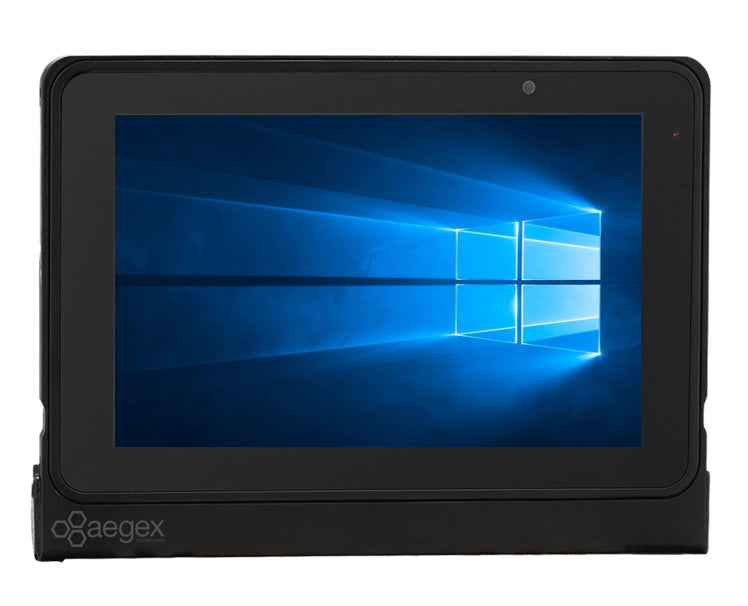
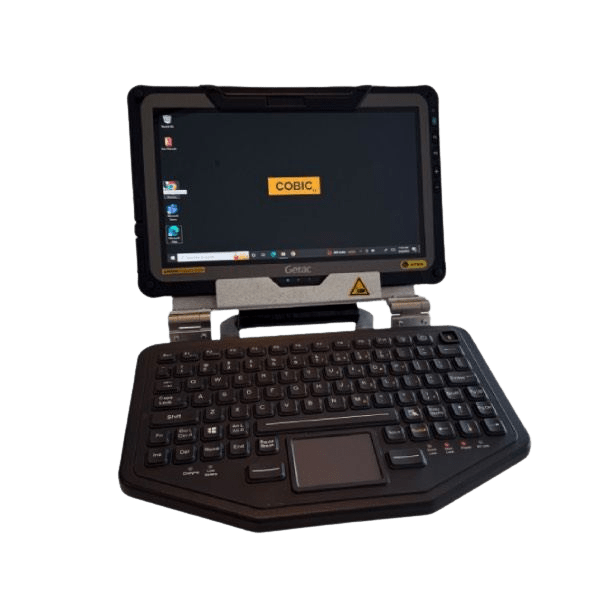
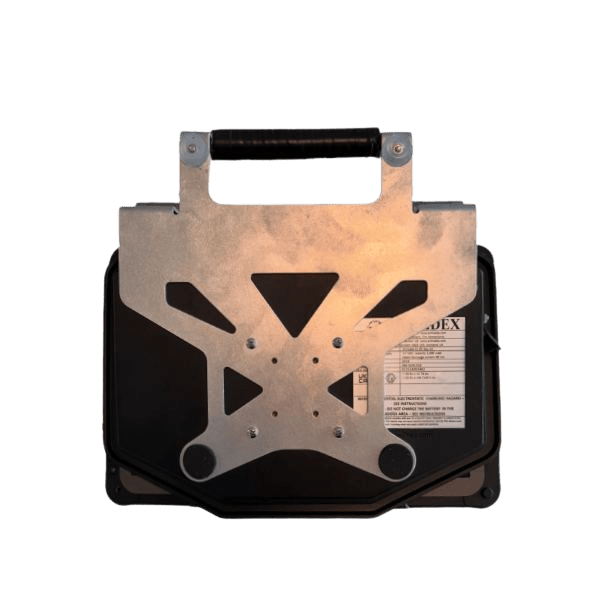
Windows Tablets for Hazardous Areas
Windows tablets support organizations that rely on desktop software, Windows-based inspection applications, SCADA interfaces, engineering tools and established IT-management systems. They can help mobile workers access drawings, work orders and process information without returning to a control room or office.
Android Tablets for Hazardous Areas
Android tablets can support inspections, digital forms, video communication, asset management, barcode scanning, RFID workflows and other connected-worker applications. When evaluating an Android tablet, consider operating-system support, security updates, mobile-device management and compatibility with the organization’s approved applications.
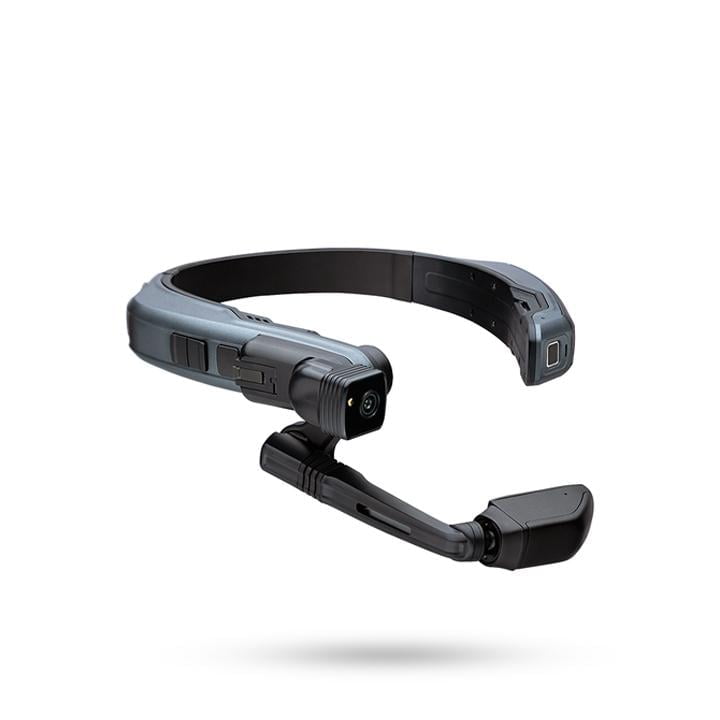
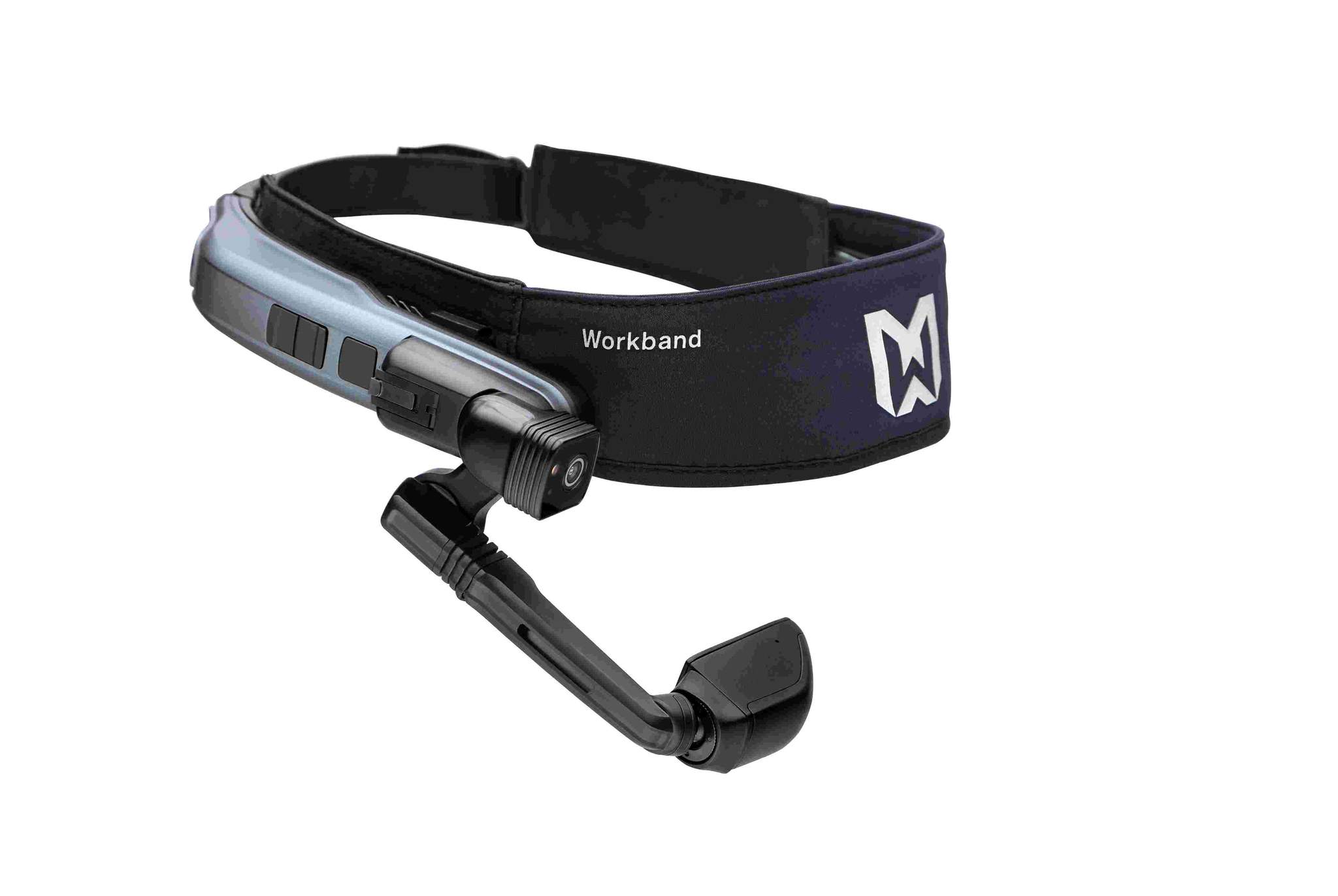
Hands-Free and Wearable Devices
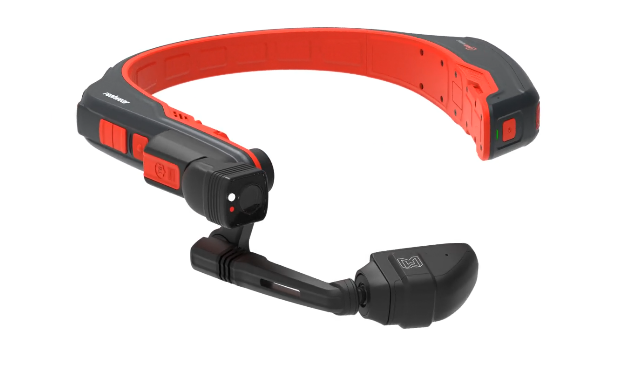
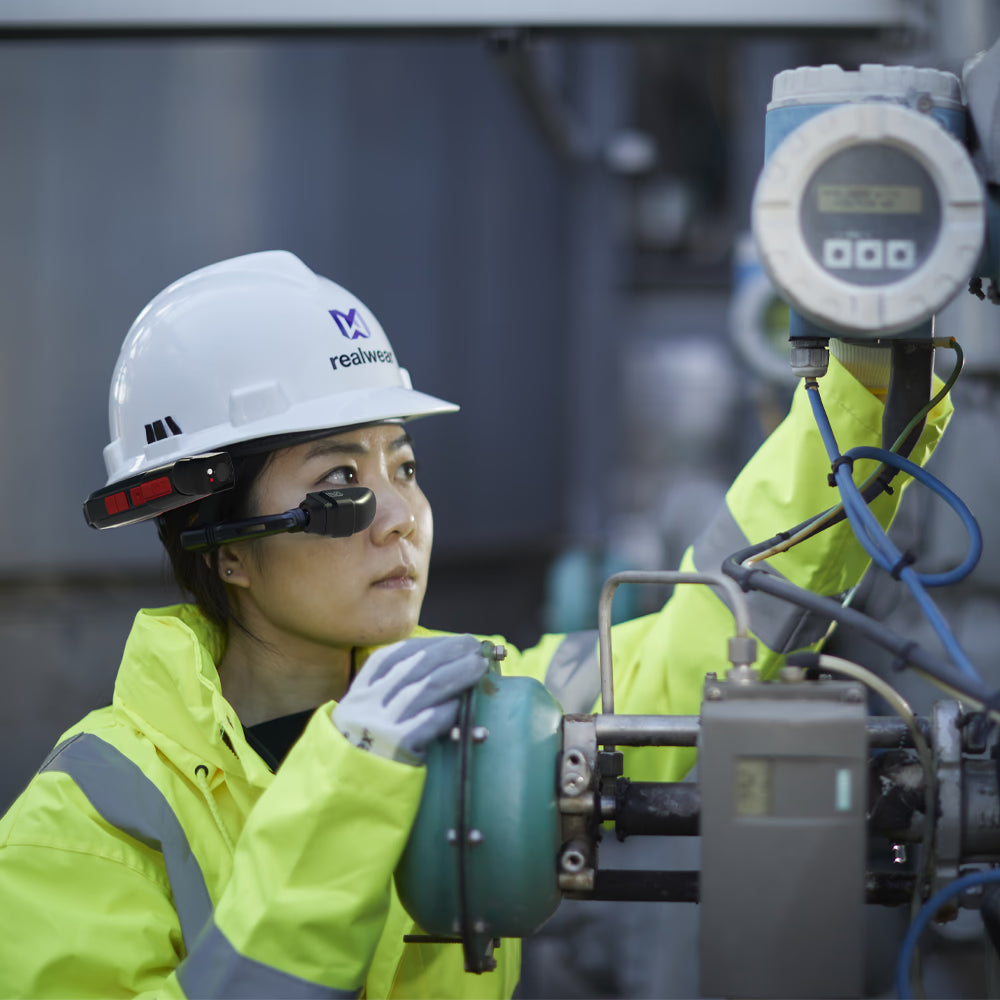
Some field applications require workers to climb, handle tools or operate machinery while accessing information. Hands-free and wearable devices can provide voice-controlled access to instructions, remote assistance, photographs and video while allowing the operator to keep both hands available.
Always verify the exact hazardous-location approval of each wearable or rugged device. A rugged model is not necessarily intrinsically safe.
Common Applications for Hazardous-Area Tablets
Intrinsically safe and explosion-protected tablets can support a wide range of industrial workflows:
- Digital inspections: Complete checklists, photograph equipment and record field observations at the point of work.
- Maintenance management: Access work orders, service histories, manuals, drawings and spare-parts information.
- Process monitoring: View approved SCADA, HMI and plant-information applications from mobile locations.
- Inventory and asset tracking: Connect tablets with intrinsically safe barcode scanners and hazardous-area RFID equipment.
- Remote assistance: Share video, images and equipment information with engineers and specialists outside the classified area.
- Communication: Use approved cellular, Wi-Fi and push-to-talk applications to coordinate mobile teams.
- Compliance documentation: Capture electronic signatures, inspection records and audit evidence.
- Training and procedures: Provide workers with current safety procedures, manuals and instructional materials in the field.
These applications are common in oil and gas, chemical and petrochemical processing, pharmaceutical manufacturing, mining, utilities, transportation, food processing and other industries with hazardous or classified locations.
Explore additional hazardous-area inspection systems, wireless connectivity solutions and Exloc’s broader enterprise mobility solutions.
Android vs. Windows: Which Tablet Is Right for Your Application?
Android and Windows tablets can both support industrial fieldwork, but the best choice depends on the organization’s software, security requirements and IT environment.
An Android tablet may be the better fit when the workflow primarily relies on:
- Mobile applications
- Digital forms and inspections
- Barcode or RFID data collection
- Video communication
- Mobile-device management
- Lightweight field deployment
A Windows tablet may be required when the workflow involves:
- Existing Windows desktop applications
- Engineering or diagnostic software
- Windows-based SCADA or HMI access
- Enterprise authentication and device-management tools
- Larger displays or workstation-style operation
- Compatibility with established Windows peripherals
Select the operating system according to application compatibility and IT requirements—not simply personal preference.
How Exloc Evaluates Hazardous-Area Tablets
Exloc does not determine a tablet’s suitability from general marketing descriptions such as “rugged,” “industrial” or “explosion-proof.” Our selection process begins with the customer’s documented area classification and the current approvals published for the complete device configuration.
When helping customers compare tablets, Exloc reviews:
- Certification body and current certificate
- Class, Division or Zone approval
- Gas and dust groups
- Temperature class and ambient operating range
- Conditions of certification
- Operating system and application compatibility
- Cellular-carrier and wireless-network requirements
- Approved batteries, chargers, docks and accessories
- Manufacturer support and operating-system lifecycle
- Product availability and replacement-device planning
Exloc does not certify tablets or determine a facility’s hazardous-area classification. Product certification is issued for a defined device configuration by the applicable testing or certification organization. Exloc helps customers compare those documented approvals with the classification and technical requirements they provide.
Final equipment selection should be reviewed against the facility’s area-classification documentation, applicable regulations and site procedures.
Understanding Tablet Certifications
Hazardous-location certification must cover the environment where the tablet will be used. Before purchasing, verify:
- Class and Division or ATEX/IECEx Zone
- Gas, vapor or dust group
- Temperature class
- Ambient operating-temperature range
- Conditions listed on the certificate
- Approved battery and charging configuration
- Approved accessories and peripherals
A Class I Division 2 or Zone 2 tablet must not automatically be assumed suitable for Class I Division 1 or Zone 1. The North American Class/Division and international Zone systems should not be treated as directly interchangeable without verifying the product’s actual approvals.
Consult the tablet certificate, manufacturer documentation and the facility’s area-classification records before deployment.
Tablet Accessories and Charging
Only use batteries, chargers, docking stations, keyboards and accessories approved by the tablet manufacturer for the selected configuration. Substituting an unapproved battery or accessory may affect the device’s certification, safety and warranty.
Most desktop chargers are intended to be used in a non-hazardous area. Do not charge a tablet or replace its battery inside a classified area unless the complete charging or battery-change procedure is explicitly covered by the applicable approval and manufacturer instructions.
Browse compatible mobility accessories or ask Exloc to confirm compatibility before ordering.
Information to Have Ready Before Requesting a Recommendation
Providing the following information helps Exloc identify suitable tablet options more efficiently:
- Facility-provided Class/Division or Zone classification
- Gas, vapor or combustible-dust group
- Required temperature class
- Country where the tablet will operate
- Required Android, Windows or iPadOS applications
- Wi-Fi, Bluetooth, NFC, GPS and cellular requirements
- Preferred cellular carrier
- Screen-size and glove-operation requirements
- Camera, barcode, RFID or keyboard requirements
- Charging, docking and vehicle-mount requirements
- Quantity and expected deployment date
Contact an Exloc specialist with these details or request a project quote.
Expert-Reviewed Hazardous-Area Guidance
This guide was reviewed by at Exloc Instruments. The recommendations are based on manufacturer documentation, published product certificates and Exloc’s experience helping industrial organizations select mobile equipment for classified locations.
Last technical review:
Product approvals, operating-system support and availability can change. Confirm the current certificate, control drawing and manufacturer instructions before purchasing or deploying equipment.